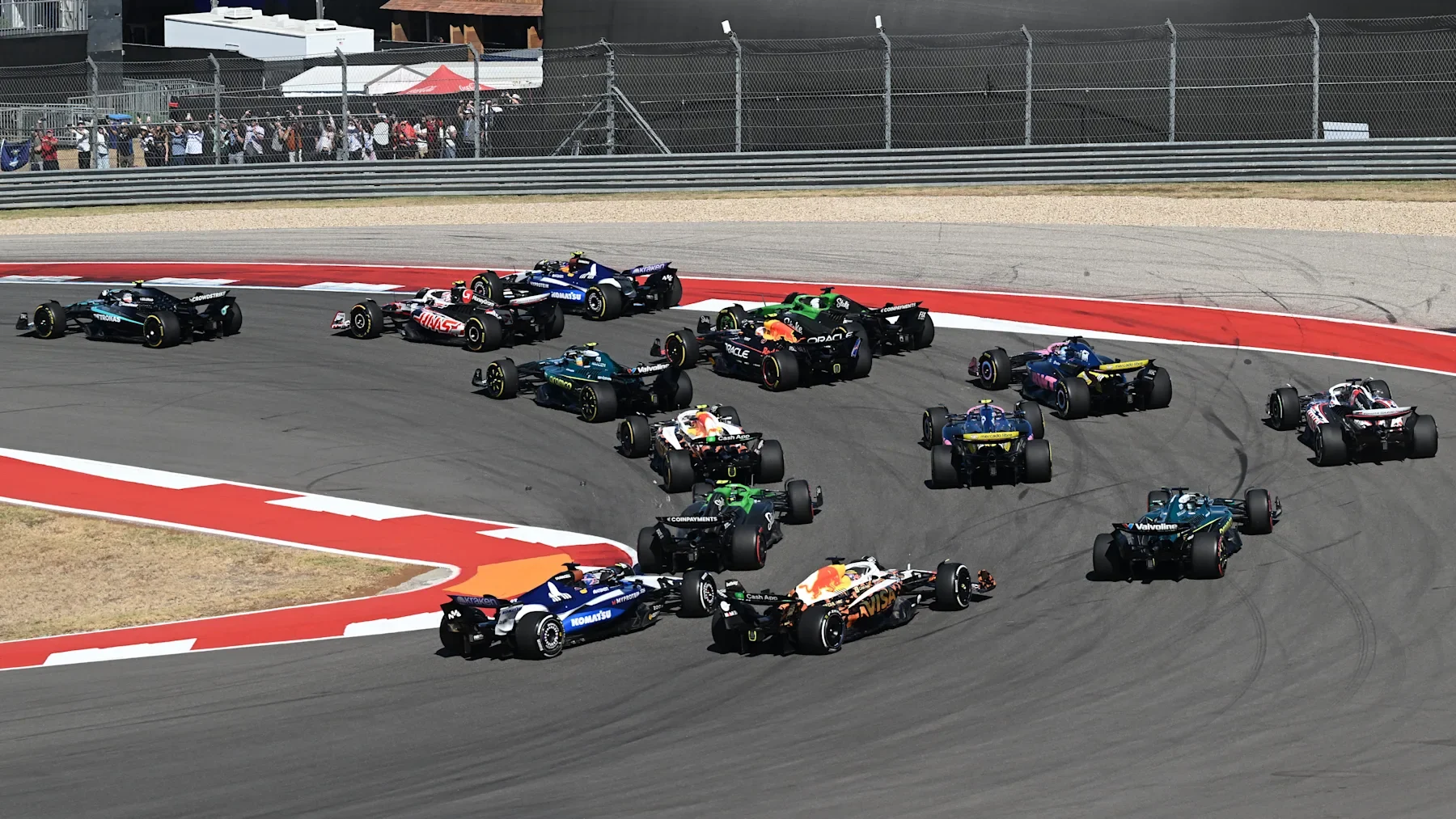
A good Formula 1 and NFL Sunday starts with one timezone, one priority and a realistic backup. Put the Grand Prix start and your chosen football kickoff on the same calendar, protect the race through its decisive strategy phase, and decide beforehand which event you would replay if they overlap. A neat pair of start times does not guarantee a neat handover.
This guide is for fans who want to follow the race rather than merely collect its result. It uses the United States Grand Prix scheduled for October 25, 2026, as a dated planning example, with information checked on October 22. For another weekend, begin with the current F1 session schedule and apply the same method to the actual football fixture.
Put the Grand Prix and kickoff in the same timezone
Convert both events into the timezone where you will watch, using their actual dates. The race venue's local time, a broadcaster's Eastern listing and your phone's local clock can all describe the same instant differently. Comparing the numbers without their zones is the quickest way to invent a free afternoon that does not exist.
Consider the published plan for Austin in 2026. Formula 1's October 19 timing guide scheduled the Grand Prix for 3 p.m. local time on Sunday, October 25. On that date, the equivalent is 4 p.m. in New York and 8 p.m. in London. Those are conversions of one start, not separate broadcasts. A fan in Britain comparing a U.S. football listing needs to make the same conversion for kickoff before deciding whether the events overlap.
That weekend also illustrates why memorized offsets are unreliable. The UK government's clock-change dates put the return to standard time on October 25, 2026. NIST's U.S. daylight-saving guidance places the American change on November 1. For the intervening week, a familiar transatlantic time difference changes. A calendar configured with a named city timezone handles that situation more reliably than an event entered with a permanently remembered hour offset.
Keep the date visible alongside the time. A late race in one region can fall on the next calendar day for another viewer, and a Saturday event should not be silently moved into a Sunday routine. Likewise, distinguish Grand Prix qualifying, a Sprint and the Grand Prix itself. A phone alert reading only “F1” tells you too little when the weekend has several competitive sessions.
For each event, save a short label that answers three questions: which session or matchup, on which local date, and at what local start time? Then add an earlier personal reminder if you want the grid coverage, formation-lap build-up or football introductions. The reminder is your preparation time; it should not replace the official event start in the calendar.
Use our weekend session page to identify the racing appointment, and compare it with the event organizer's latest timetable near race day. If you travel, check the calendar after changing location as well. The practical payoff is simple: you reach the first corner knowing whether football begins during the opening stint, later in the race or after the likely viewing window, instead of discovering the conflict when a notification interrupts the start.
Reserve the race, not just its expected finishing time
Leave room after the expected finish before promising the main screen to football. A race's usual viewing rhythm is useful for a rough plan, but the lap count and scheduled start do not guarantee when you will see the flag. Weather, incidents and recovery work can change the shape of the afternoon, while interviews and the podium add a separate choice after the racing ends.
For the dated 2026 example, the FIA's sporting regulations, Article B2.5.3, distinguish a two-hour race limit from an overall limit of three hours when suspension time is added, with specific finishing-lap provisions. That is a competition rule, not a promise that your television coverage will end exactly three hours after the advertised program begins. Do not transfer it automatically to a later season: the FIA publishes season-specific regulations, and timing frameworks can change.
Also distinguish a Safety Car phase from a red-flag suspension. Cars circulating under controlled conditions and cars waiting for a resumption are different race states. Neither should be treated as a scheduled halftime. A reduced-speed phase can contain important pit decisions, while a suspension can lead to a restart that changes the contest. If you switch away, keep a reliable way to notice the official resumption information rather than relying on an arbitrary ten-minute alarm.
A useful personal plan has two branches. If the race runs normally and ends before kickoff, you can hand over after the classification and any interviews you want. If it is still active, decide whether racing stays live or football takes priority while a full-race recording continues. Make that choice before the weekend. Otherwise, the first delay tends to turn into repeated channel switching without a clear view of either event.
For example, imagine a calendar showing football soon after your estimated race finish. That estimate may be perfectly reasonable for an uninterrupted afternoon, yet it leaves no space for a stopped race or a delayed start. Treat the narrow gap as a possible overlap, not a confirmed doubleheader. You can still watch both; the difference is that one needs a tested replay or recording option.
After the flag, decide how much post-race coverage matters to you. If a penalty or incident remains unresolved, a quick glance at a finishing order may not settle every championship question. Our F1 results page provides a place to return to the classification when you are ready. Separating the race itself, the aftermath and the football appointment makes the plan more honest about what you want to see.
Use a calendar subscription to expose the overlap
A shared calendar is useful because it makes the conflict visible before Sunday. Keep the F1 session and the selected NFL game in separate, clearly named calendars, then show them together when planning your afternoon. If you mainly follow one football team, its fixtures are usually a more useful comparison than a screen filled with every game in the league.
Our related NFL Schedule calendar tool offers full-season and team subscription feeds, alongside a one-time download. NFL Schedule belongs to the same project as F1 Schedule; this recommendation is a practical connection between our tools, not an independent product ranking or an official endorsement. Use it beside the F1 calendar to see the football appointment in the context of your racing weekend.
The distinction between subscribing and downloading matters. An imported file gives you a snapshot. A subscription allows the calendar application to retrieve later feed changes, although the application's refresh behavior determines when those changes appear. Neither should be treated as a substitute for checking the latest official fixture near the event. If you made an early-season plan from a static download, revisit it before relying on the kickoff time.
After adding either feed, inspect one event you already understand. Does the local date match the schedule? Is the time in the zone where you will watch? Have you accidentally added both a team feed and the full league feed, creating duplicate reminders? Fixing one obvious sample is quicker than discovering a calendar-wide mistake after several weekends of conflicting alerts.
Also look at what an event's colored rectangle means. Its beginning may be a confirmed start, but its displayed ending can be a convenient calendar duration rather than a promise about the final lap or final whistle. If the football rectangle begins just after the racing rectangle ends, check how those endings were established. Do not allow a software display to turn a rough estimate into certainty.
Add personal preparation time separately. You might want a reminder to open the stream, check the starting grid and settle in before the formation lap. Keep that reminder distinct from the official start so the appointment remains easy to compare with other sources. A second reminder can prompt a final check of both schedules the day before, when a change is still easy to accommodate.
The calendar should finish one job: identify whether your chosen events are comfortably separated, potentially touching or clearly overlapping. Once it has done that, make the viewing decision yourself. Two overlapping entries are a prompt to choose live coverage and a replay, not an instruction to juggle two audio feeds throughout a strategy battle.
Keep strategy windows on the main screen
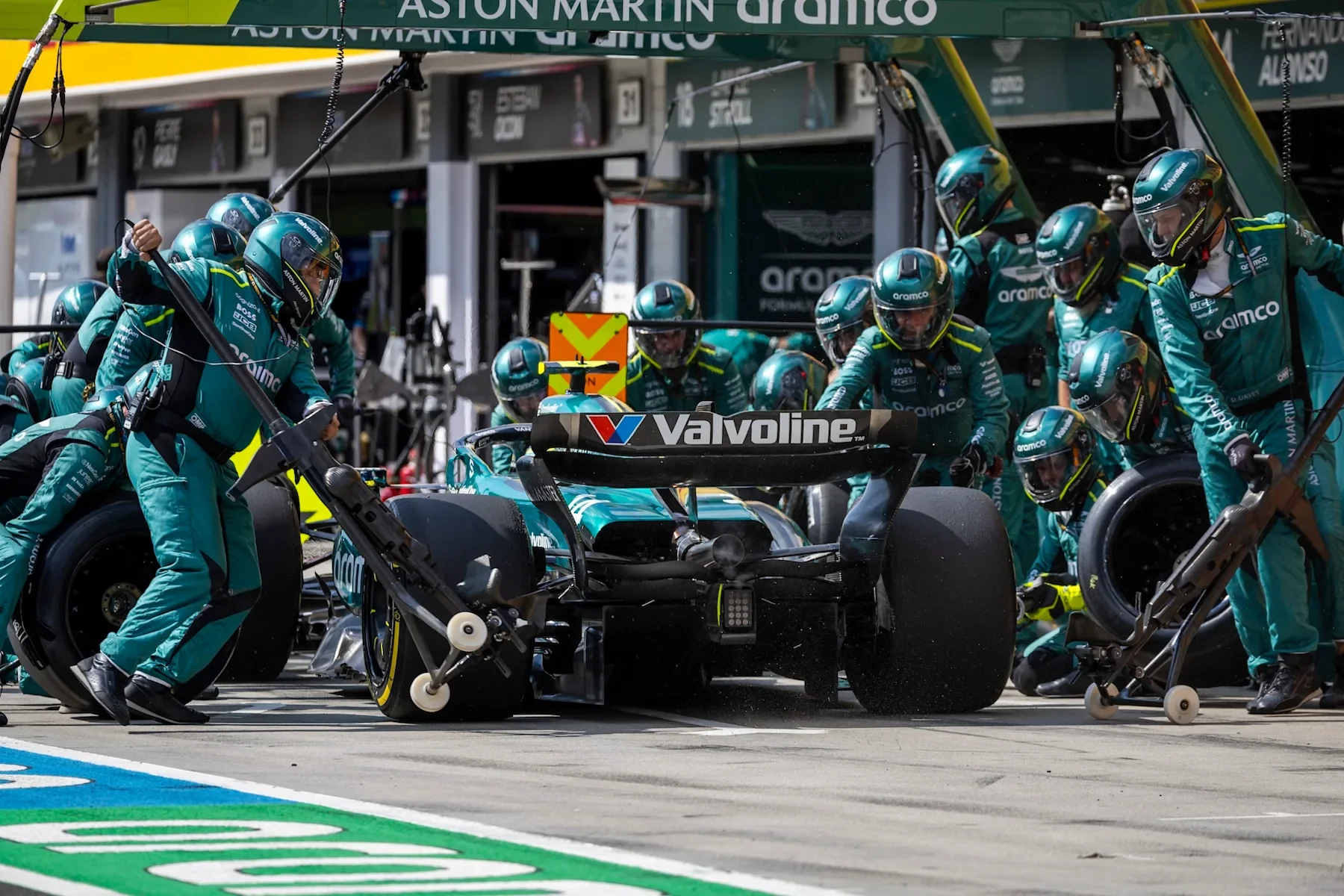
If F1 is your priority, protect the period around a pit-stop exchange rather than watching only the launch and the final laps. A position can change through the sequence of stops without a visible pass on track. Switching away for a football drive at that moment can leave you with the order but none of the explanation.
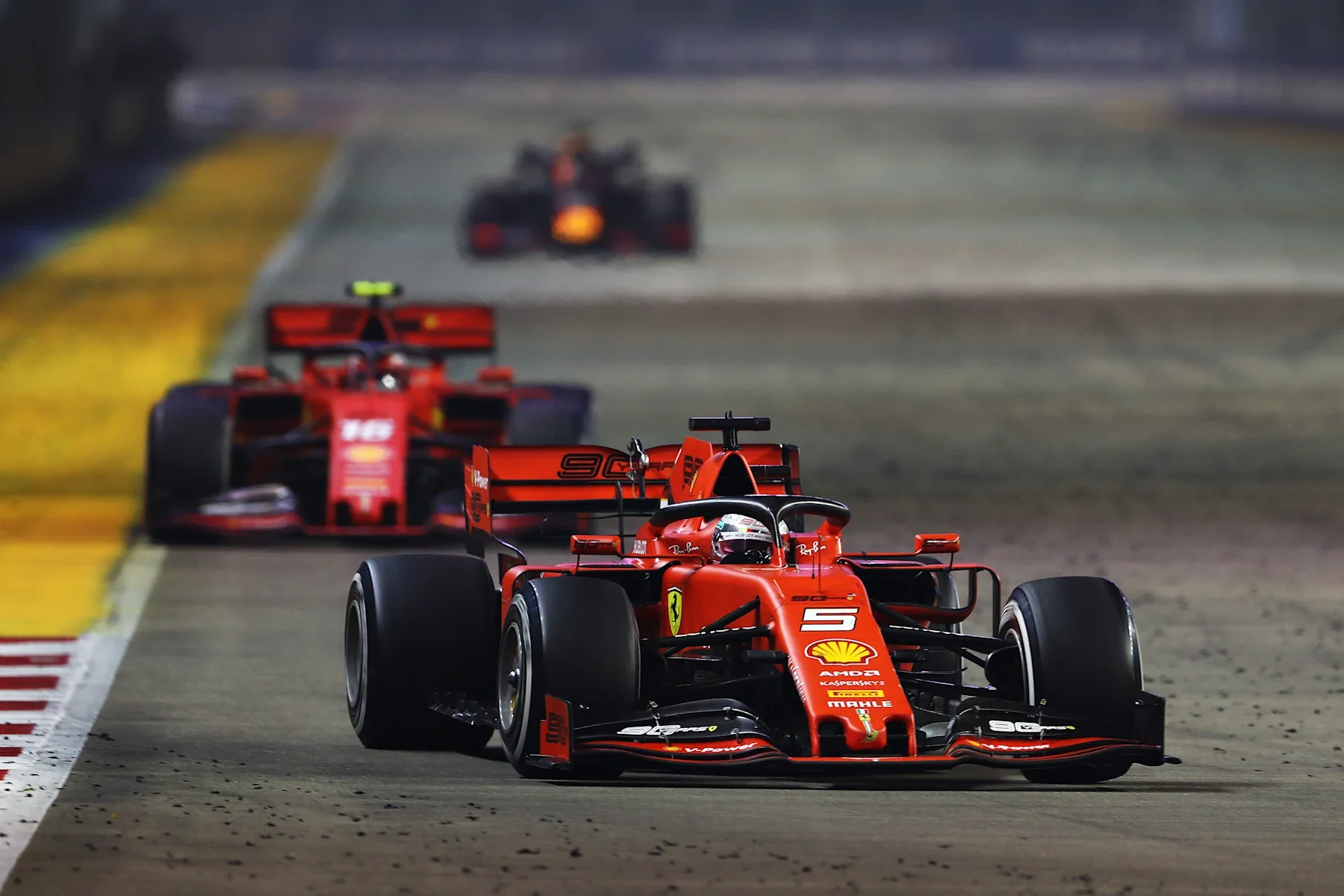
Jolyon Palmer's analysis of Singapore 2019 explains the essential undercut mechanism: stopping first can let a driver use fresher tires to gain time while a rival continues on older rubber. Staying out longer can instead build a later tire advantage. The useful viewing question is therefore not simply “who stopped?” but “what did that stop change about the next few laps?”
The opposite outcome is possible. In his analysis of Monaco 2021, Mark Hughes describes how slow warm-up on new tires can make an overcut viable. Traffic also affects the space a driver has after rejoining. These historical explanations describe mechanisms, not a promise that a particular compound or stopping lap will work in the next race.
For a hypothetical example, a driver running third pits while the car ahead stays out. The timing tower now shows the early stopper well down the order. That apparent loss does not, by itself, show that the strategy failed: the cars ahead may still owe their stops. Conversely, a later stopper leading temporarily is not automatically the net leader. You need the stop sequence, tire age and gap to understand what the order means.
Before briefly moving your attention to football, note three things: which relevant cars have stopped, what tires they are using and which gap the broadcast is following. When you return, those anchors make the commentary intelligible. A lap counter alone cannot explain whether a car is defending track position, extending a stint or trying to close a tire-offset gap.
Keep one audio source in charge. Two silent pictures can provide an overview, but two competing commentaries usually obscure the reason a team has made a decision. If the racing broadcast is discussing an imminent stop or a restart, give it enough uninterrupted attention to see the consequence. Check the football score at a chosen moment instead of continually changing focus whenever either screen becomes noisy.
Afterward, relate the result to the driver and constructor standings. The points at stake can make a midfield recovery as meaningful as a lead battle. This is why a race-first plan does more than prevent a missed start: it preserves the chain from tire choice to track position to final result, which is the part of F1 that a score notification cannot reproduce.
Confirm live access and a full-race replay
A replay is a workable solution only if your service actually provides the version you want. Check access on the device you will use before race day, including the login, the relevant subscription and the route to a past race. Finding a highlights clip does not establish that you can watch the entire Grand Prix later.
For U.S. viewers in 2026, Apple's season announcement identifies Apple TV as the home of live and on-demand F1 coverage, including practice, qualifying, Sprints and Grands Prix. Its current viewing guide distinguishes full replays from highlights and Race in 30. That distinction is useful when deciding whether to follow football live while preserving the complete racing story for later.
Outside the United States, start with the country-by-country F1 viewing guide and confirm the relevant provider's offering. A U.S. subscription description does not establish access in another territory. Likewise, having an app installed does not prove that your account includes the live session or the replay. Resolve those questions with the service before making it the basis of a two-sport plan.
Choose the kind of catch-up you actually want. A full replay is the better fit if you care about how the gaps develop, why a driver extends a stint or how a pit sequence changes the order. A condensed program is a reasonable choice if your aim is to understand the main events quickly. Neither preference is wrong, but calling both options “watching the race later” hides a meaningful difference in the experience.
If you choose the full replay, make the route to it as direct as possible. Avoid opening a general sports homepage first, silence relevant result notifications and tell anyone watching with you which outcome you are avoiding. Also consider the second screen: a football broadcast or sports ticker can reveal an F1 result even when you have avoided racing accounts. No spoiler plan is perfect, but deciding on one before the race is more useful than reacting after a winner appears on your phone.
Before Sunday, your plan should now answer four concrete questions. What local time does each event start? Which one stays live if racing runs long? Where is the complete replay of the other event? When will you watch it? If the last answer is vague, reduce the amount you are trying to fit into the day rather than accumulating two unfinished broadcasts.
On race day, make one final schedule check and settle into the coverage you chose. The calendar, buffer and replay arrangement have already done their work. You can follow the opening stint and its consequences with enough attention to understand the Grand Prix, then move to football at a point you chose deliberately.
Loading comments…